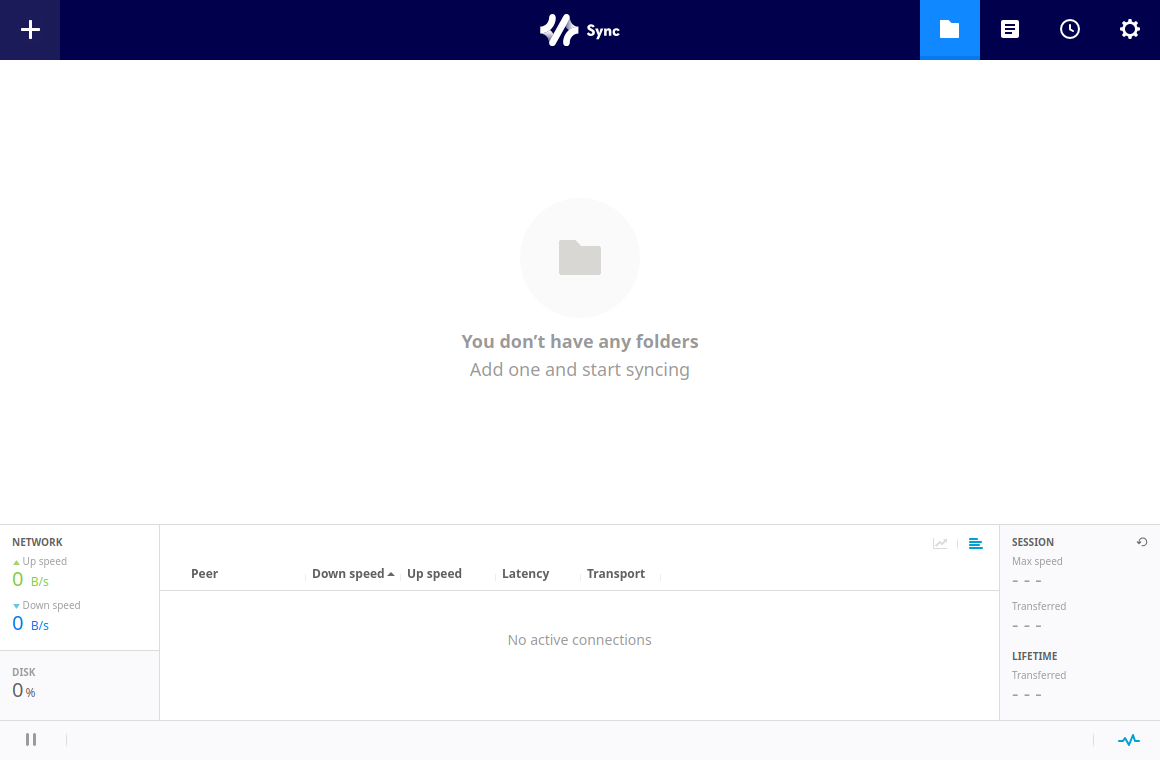
Official where it matters,
native where it counts.
Folders, peers, transfers, preferences, activation — all of it is the official Resilio interface, version-matched to your rslsync build. SyncPilot adds everything the official Linux story was missing.
Zero interface drift
The window embeds the official Resilio Web UI itself — same screens, same workflow as the Windows and macOS clients, nothing re-implemented to fall behind.
Daemon lifecycle
One-click start and stop, adopts an already-running daemon, and a crash watchdog restarts it with exponential backoff. Optionally keeps running after the app exits.
First-run setup
No rslsync on the machine? SyncPilot offers to download the official binary straight from Resilio's CDN, sha256-verified, into ~/.local/bin.
In-app updates
Every release ships signed updater artifacts. SyncPilot checks the GitHub release and updates itself — no manual re-downloads.
Desktop integration
Tray icon with quick actions, hide-to-tray on close, launch at login via XDG autostart, and a standalone native settings window.
Safe by construction
The Web UI stays on 127.0.0.1 behind an auth-injecting loopback proxy — no login prompts, and the daemon never serves an unauthenticated request.